Short Videos With Original Sound
Tired of the same trending audio? Describe your clip's mood and you get a track of your own. A slowed + reverb take can back a second post.
- Background track for a vertical clip
- Slowed + reverb version for a follow-up
The AI music generator above turns a short song description, or lyrics you wrote, into a full song with vocals or an instrumental track. Simple mode takes genre, mood, instruments and vocal style in up to 500 characters; Custom mode adds a title, a style field and up to 5,000 characters of lyrics. Three V6 versions are on offer: V6 Mini on every plan, V6 from Basic and V6 Wild from Pro. New accounts get free credits to try V6 Mini, and you can listen in the browser; downloading a song needs Basic or higher. When the AI music generator has finished, four free audio tools below read its tempo and key, convert it to MIDI or make a slowed + reverb version, with no upload, no sign-in and no credits. It is a music AI generator and a small audio toolkit in one place.
Describe a theme, mood and style in up to 180 characters and get song lyrics, then send them to Lyrics to Song in one click.
Paste lyrics you wrote, pick a style and the AI song maker sings them. Lyrics from the AI Lyrics Generator arrive already filled in.
Turn a melody or song recording into MIDI notes for your DAW. The file is processed on your device, not uploaded.
Drop in an audio file and read its tempo in beats per minute. No account needed, and the file stays on your device.
Detect the musical key of a track before you remix it, sample it or sing over it, right in the browser.
Slow a song down and add reverb to make a slowed + reverb version, processed locally with no sign-in.
One site covers three jobs: the AI music generator builds the track, the lyric tools give it words, and four browser tools read what you made.

Describe the sound in a few lines, or open Custom mode and write the words yourself. The AI music generator returns a full track with vocals, or no singing when Instrumental is on. Three settings, vocal gender, style weight and creative variation, let a second try head in a new direction without changing your prompt.
Vocal gender
Male, female or no preference.
Style weight
How much your style words count, from 0 to 1.
Creative variation
How far the track may stray, from 0 to 1.
Six things worth including in the 500 characters you get in Simple mode.
"Pop" covers a lot of ground, while "early-2000s pop punk" or "1970s soul" narrows it fast. One or two genre words are enough to point the AI music generator in a direction.
Feeling words steer a song better than praise words. "Restless", "hopeful" or "late-night lonely" say more than "great" or "professional".
Name what should carry the track: fingerpicked guitar, warm electric piano, a brass section. The AI music generator follows a short list more easily than ten instruments at once.
Prompts that name a real artist may be refused. Describe the voice instead, such as airy, raspy or choir-backed, then set Vocal gender or switch on Instrumental.
Slow, mid-tempo or driving is often enough; add a BPM figure if a video or a set needs one. Once the AI music generator is done, BPM Finder shows the tempo it actually has.
A subject turns a mood into a song: a night drive, a first apartment, a dog waiting by the door. Already have the lines? Paste them in Custom mode and the AI song generator will set them to music.
The AI music generator needs a sign-in and credits; listening to results is free on every plan.
Write genre, mood, instruments and vocal style in up to 500 characters and let the song generator arrange it, or switch to Custom and paste your own lyrics.
Choose V6 Mini, V6 or V6 Wild in the AI music generator as your plan allows, turn on Instrumental for no vocals, and set a target length in Custom.
Play what the AI music generator made in the browser, download it on Basic or higher, then check its BPM or key or convert it to MIDI.
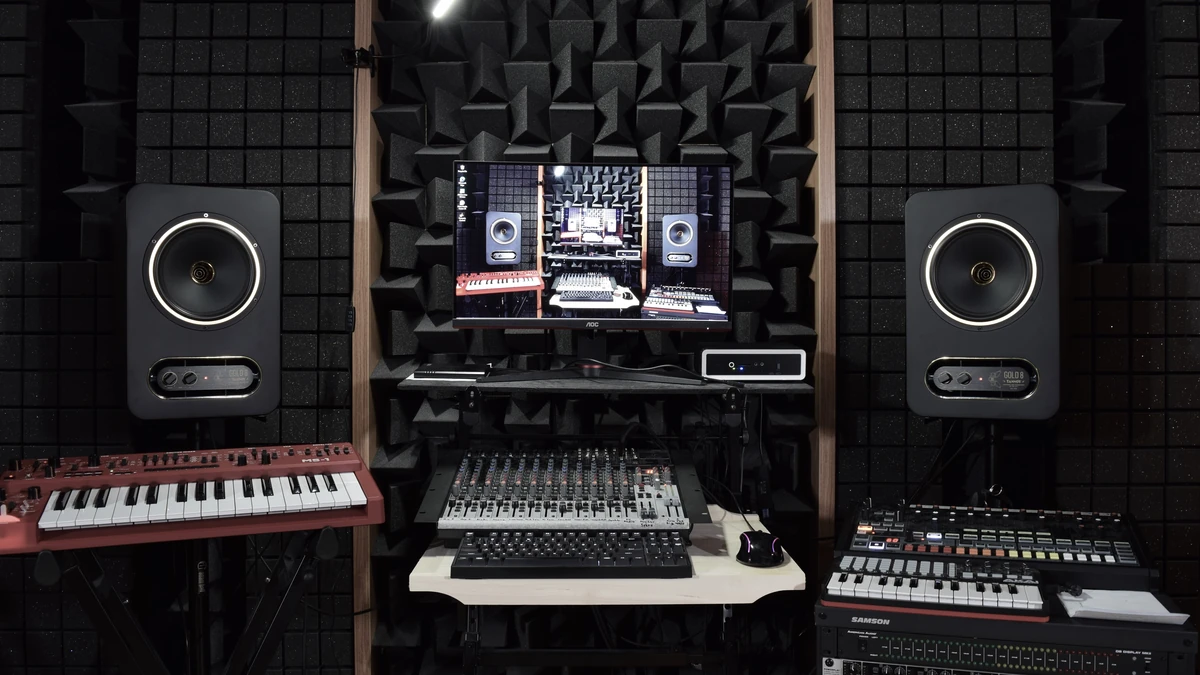
Six everyday jobs for the AI music generator, each paired with the tool people tend to open afterwards.
Tired of the same trending audio? Describe your clip's mood and you get a track of your own. A slowed + reverb take can back a second post.

Online sellers ask the AI music generator for an upbeat instrumental under a product demo or unboxing clip. Music in an ad or shop video is commercial use and needs Business-level access.

Writers and producers use the AI music generator to hear an idea before arranging it: a rough chorus, a style, one listen. If the melody holds up, Audio to MIDI pulls its notes into a DAW.

Teachers run one verse through the AI music generator as blues, then as bossa nova, so a class hears how style changes a song. Students then check each version's tempo and key.

Podcast hosts describe their show's tone to the AI music generator and get a short theme to open and close each episode. Custom mode accepts a target length as short as 10 seconds.

Singers and players ask the AI music generator for an instrumental blues shuffle or funk groove to play over. Key Finder then tells them which key and scale to improvise in.
What to know before you use the AI music generator: credits, versions, rights and refunds.
MusicGeneratorAI at musicgeneratorai.ai is an AI music generator with lyric writing and in-browser audio tools: make a song from a prompt or your own lyrics, then find its BPM or key, convert it to MIDI, or make a slowed + reverb version.
The AI music generator reads a song description of up to 500 characters, covering genre, mood, instruments and vocal style, and returns a song with vocals. Turn on Instrumental for no singing, or use Custom mode to set the title, style and lyrics yourself.
Yes. In Custom mode the AI music generator sings your own lyrics: up to 5,000 characters, plus a title and a style. No lyrics yet? The AI Lyrics Generator writes them from a prompt of up to 180 characters, and Lyrics to Song opens with those lyrics filled in.
Yes. Every new account gets 10 free credits, valid for 30 days, to try the AI music generator on V6 Mini. A V6 Mini run costs 10 credits and V6 or V6 Wild costs 20. Listening is free; downloading needs Basic or higher.
The AI music generator offers three V6 versions: V6 Mini on every plan including Free, V6 from the Basic plan and V6 Wild from the Pro plan. You choose the version in the generator before you start, and the credit cost depends on the version.
Four free audio tools do that in your browser: BPM Finder reads tempo, Key Finder detects the key, Audio to MIDI converts a recording into notes, and the Slowed and Reverb Generator makes a slowed + reverb version. Files stay on your device, and unlike the AI music generator, none of them needs a sign-in or credits.
Each run of the AI music generator needs a signed-in account with enough credits, and Free accounts can use V6 Mini only. A request that names a real singer or matches copyrighted material may be refused, so describe the voice and style rather than the artist. The length you pick in Custom mode is a target, so the finished song may run a little shorter or longer.
Songs from the AI music generator can be used commercially only if you made them while your account had Business-level access. Songs made on Free, Basic or Pro are for personal, non-commercial use, and any lyrics or audio you supply must be yours or cleared for use.
No. If the AI music generator fails to finish a song, its credits go back to your balance automatically, with nothing to request. This is a credit return, not a payment refund.
Credits for the AI music generator expire on a schedule set by where they came from. Free credits last 30 days, monthly plan credits last for the current billing period, and annual plan credits and credit packs last 365 days. When you hold several kinds, the credits closest to expiry are used first.
You can cancel at any time in Settings > Billing, and the plan keeps working until the period you paid for runs out. You can ask for a refund within 7 days of a purchase if less than 5% of its credits have been used. A 5% processing fee is deducted from the refund. A renewal can't be refunded once its new period has begun.
MusicGeneratorAI suits video creators who need an original song, hobbyists trying out their first lyrics, and musicians who want a track's BPM, key or MIDI without installing software. The AI music generator can't copy a famous singer's voice.
Yes. Write to [email protected] with questions about your account, a charge, a refund request or how the AI music generator works, and the reply comes back by email.
Email the support team
Account and billing help
Replies by email